Face Guard Video
Protect faces before sharing videos
Detect and track faces on-device for family clips, school events, and everyday videos. Apply mosaic, blur, emoji, or stamps without uploading anything.
Inside the app
Five steps from picking a clip to saving the masked video.
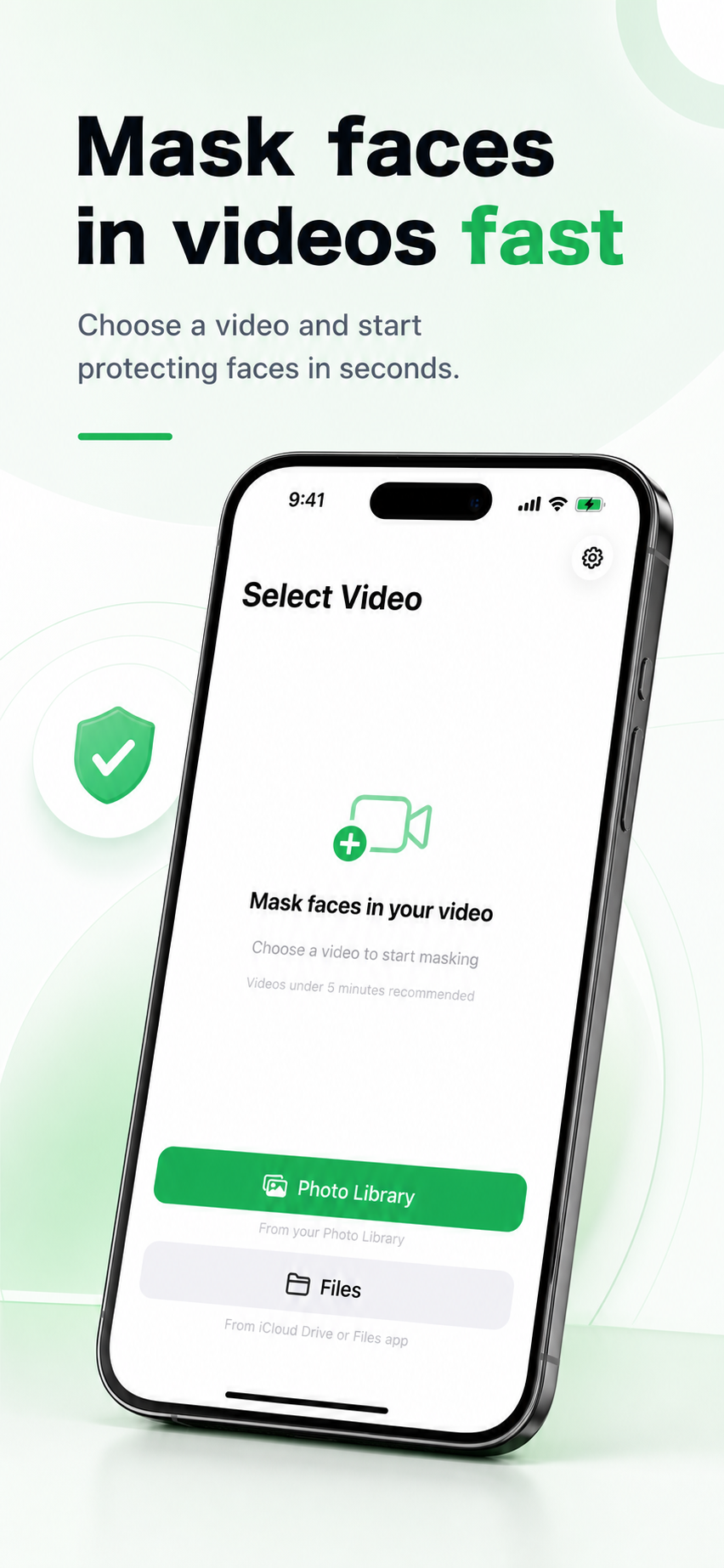
1. Pick a video
Import from your Photo Library or Files and review the basics.
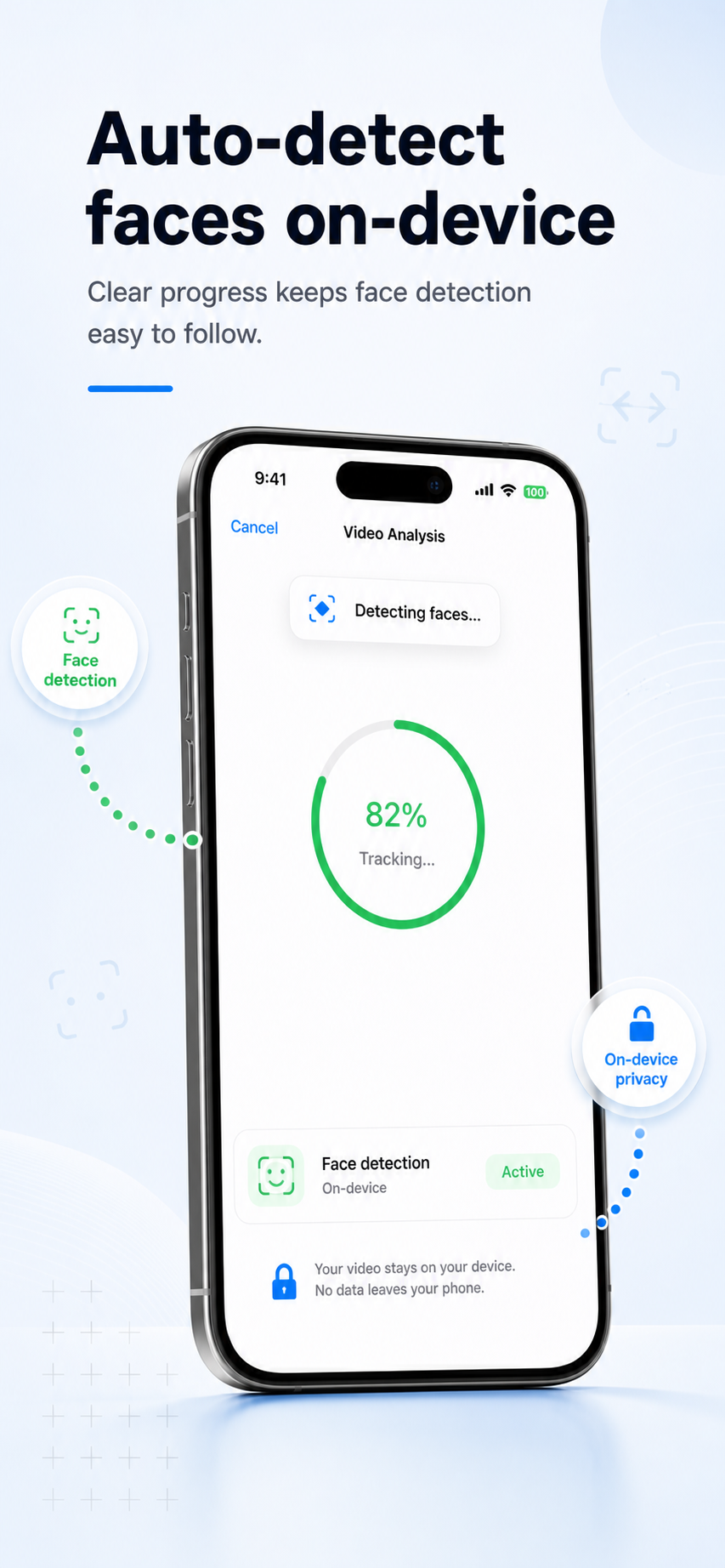
2. Auto-detect faces
Apple Vision finds and tracks faces — entirely on-device.
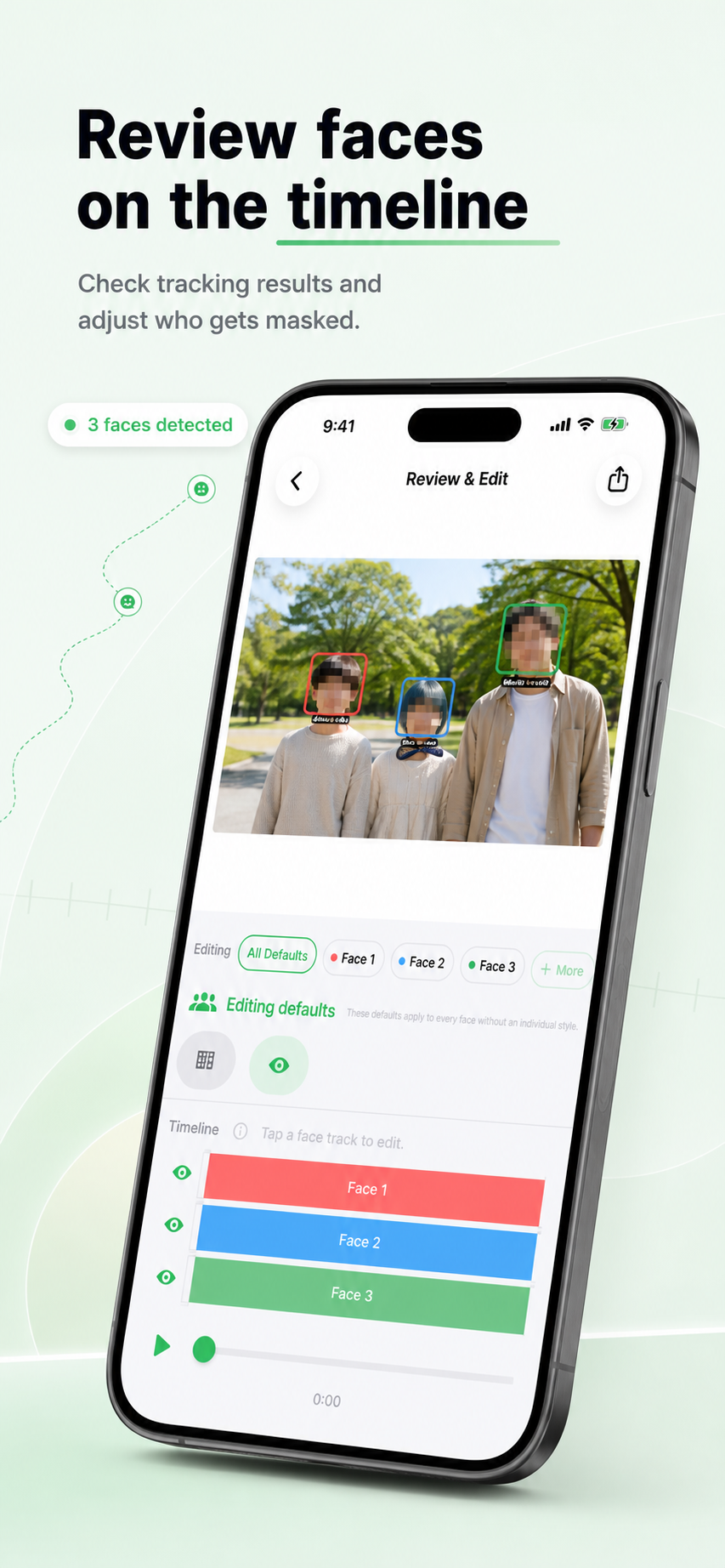
3. Edit per face
Trim each face's range, exclude intervals, or add manual masks.
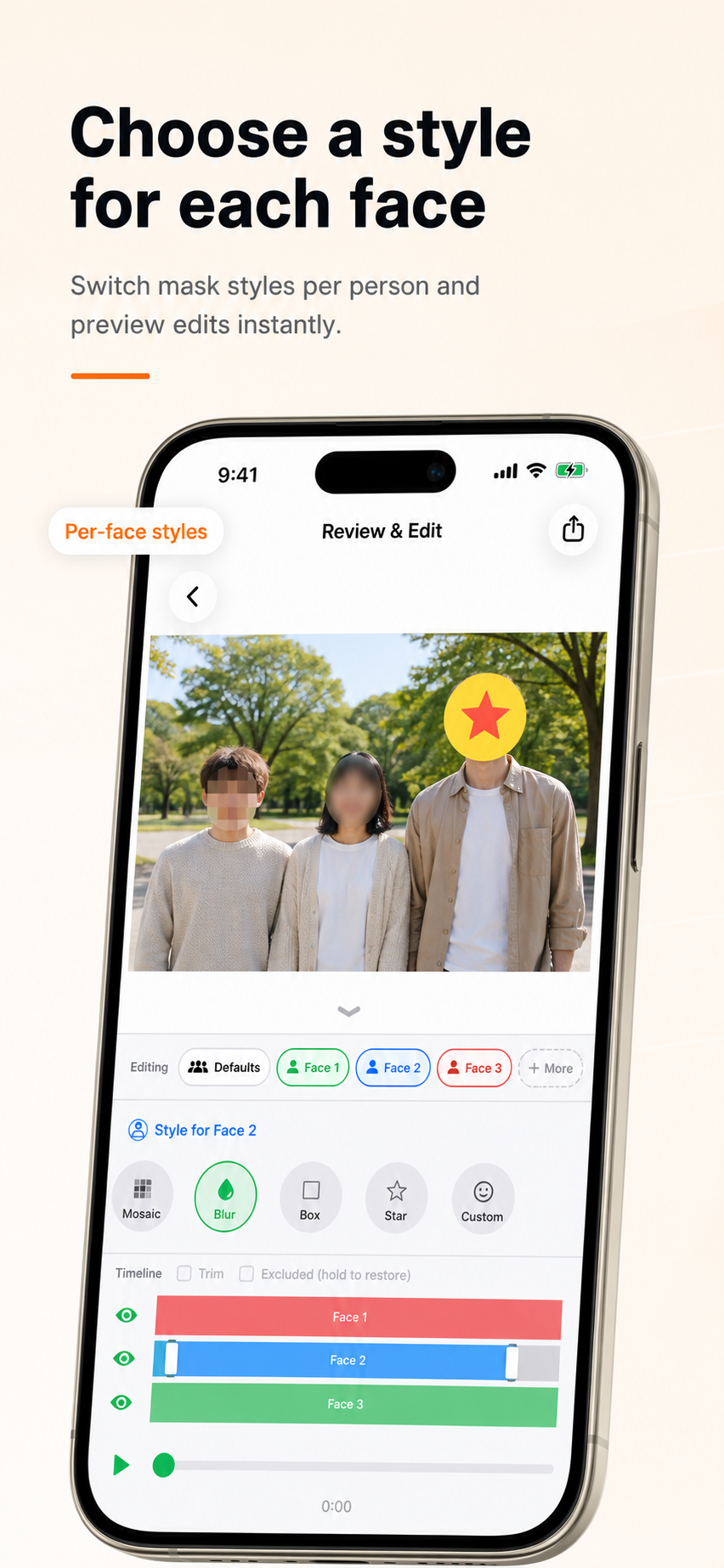
4. Choose a mask
Mosaic, blur, emoji, or custom stamps for the right tone.
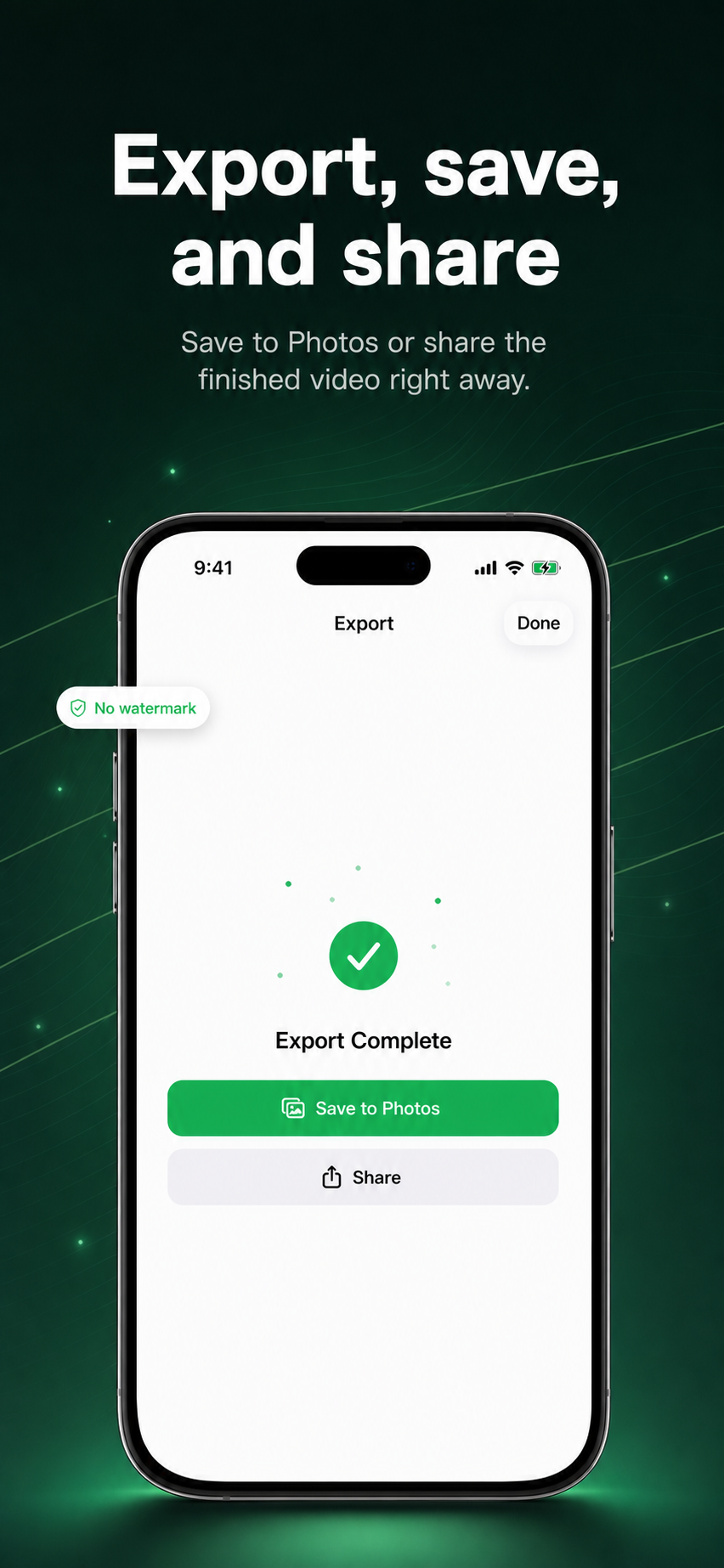
5. Export
Save a flattened video — masks burned in, ready to share.
Mask faces across the timeline
Review tracked faces, adjust only what needs attention, and export a privacy-safe video.
Detect
Find and track faces across video frames
Edit
Adjust mask targets and styles per face
Export
Save a flattened video with masks burned in
Built for video
Face Tracking
Tracks faces across frames so masks stay aligned even when people move.
Per-face Styles (Pro)
Apply different masks to each person in the same clip.
Flexible Mask Styles
Choose mosaic, blur, emoji, or custom stamps to match the tone of the clip.
On-device Processing
Detection, editing, and export happen locally. Your videos are not sent to our servers.
Video stays on device
Selected videos are handled temporarily on your device for editing and export. We do not upload face data or identify people.
- Face detection and tracking run on device
- Videos are not sent to our servers
- Exported videos have masks permanently burned in
- Pro removes the watermark
Protect faces before you share
The same privacy-first idea as Face Guard Image, designed for video.